
Get it out of your head and onto a map.
Plan a trip, shape an essay or work through a big decision. Lay out your ideas, see how they fit together, and turn the tangle into a plan.
- No sign-up
- Nothing to install
- Works offline

Three steps to a clearer head
A mind map is a page that grows outwards from one idea. There's nothing to learn first.
Start in the middle
Write down what's on your mind, or pick a ready-made template for things like goals, essays and meetings.
Let ideas branch out
Add each thought as it comes and break big topics into smaller ones. The map keeps itself tidy as it grows.
Make something of it
Tick things off as you go, present it to other people, or save it as a picture or a list.
Good for almost anything you need to think through
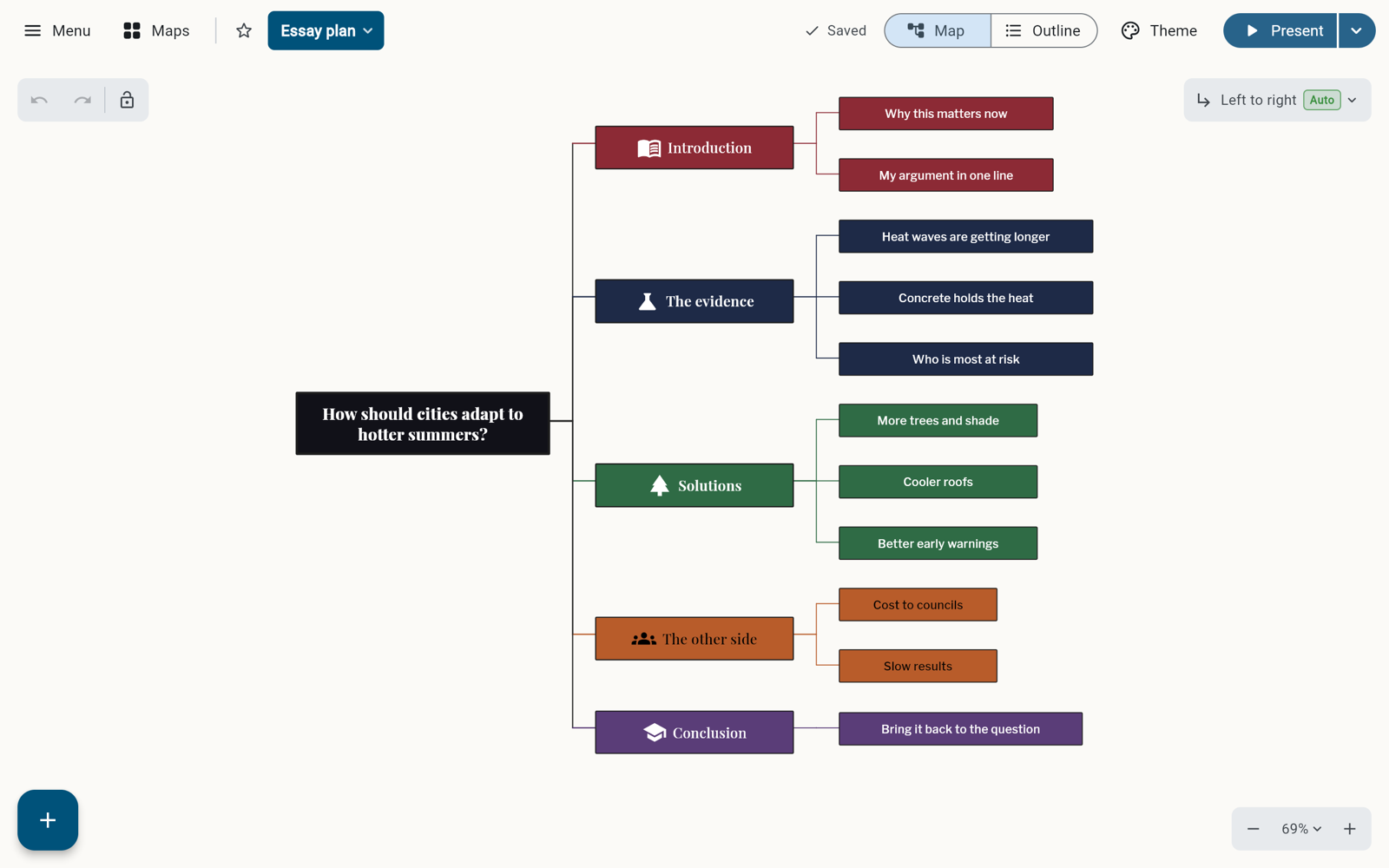
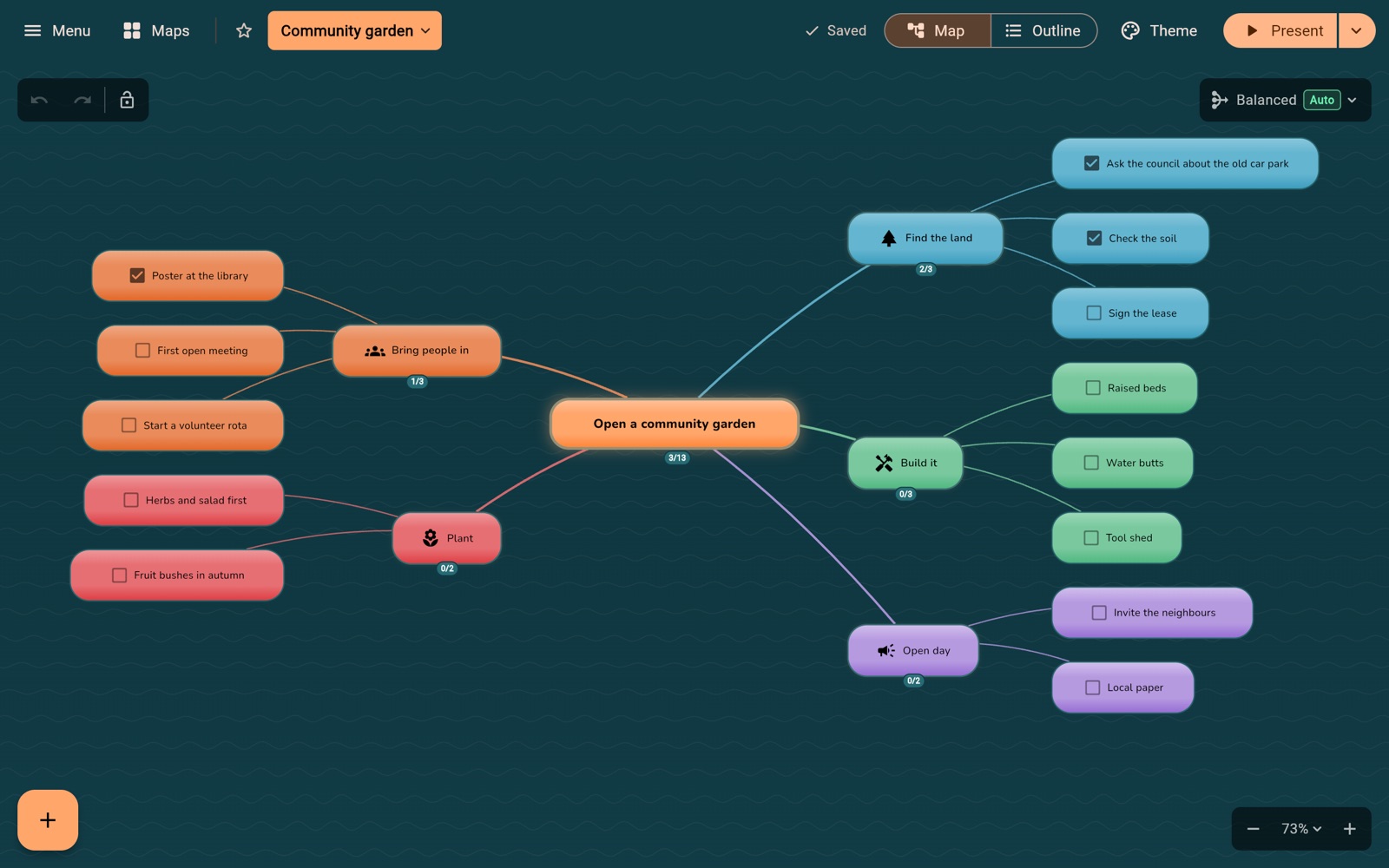
Stuck? It'll ask you the right questions.
Pick a template and a step-by-step guide takes you through it, one question at a time. Tell it what you're working on and AI can shape the questions around your subject, then adapt the next section as you answer. Your existing answers stay intact.
AI can also suggest new ideas for any part of your map, turn pasted notes into a map, or sum up a whole section in a few lines. You check everything before it's added.
19 templates free, all 69 with Pro. Prefer not to use AI? Everything else works without it.
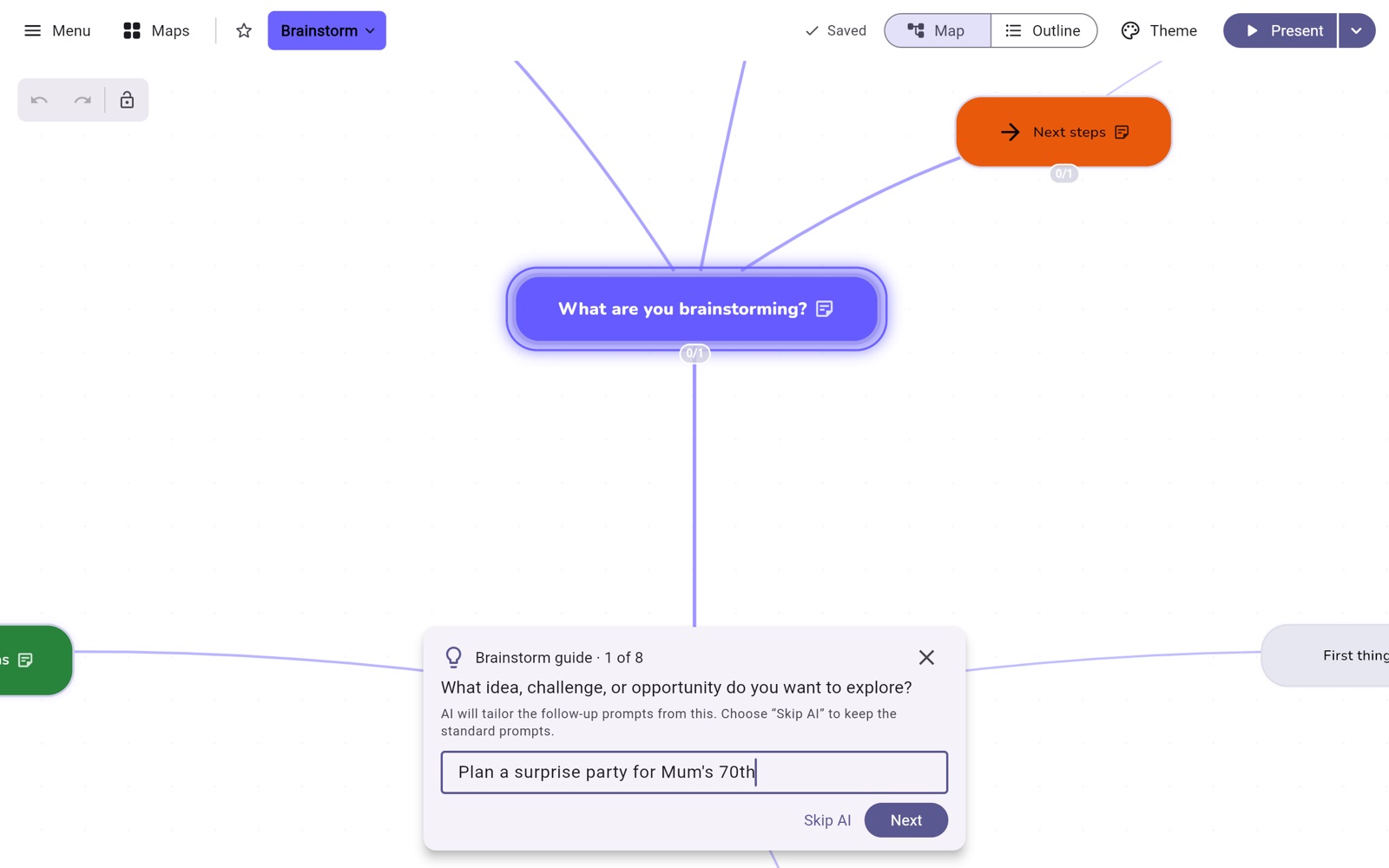
Share your thinking with a room.
Turn any map into a full-screen presentation. Slides follow your map automatically, or choose your own, and the view glides from one to the next. Your notes become speaker notes.
Up to 10 slides free, unlimited with Pro.
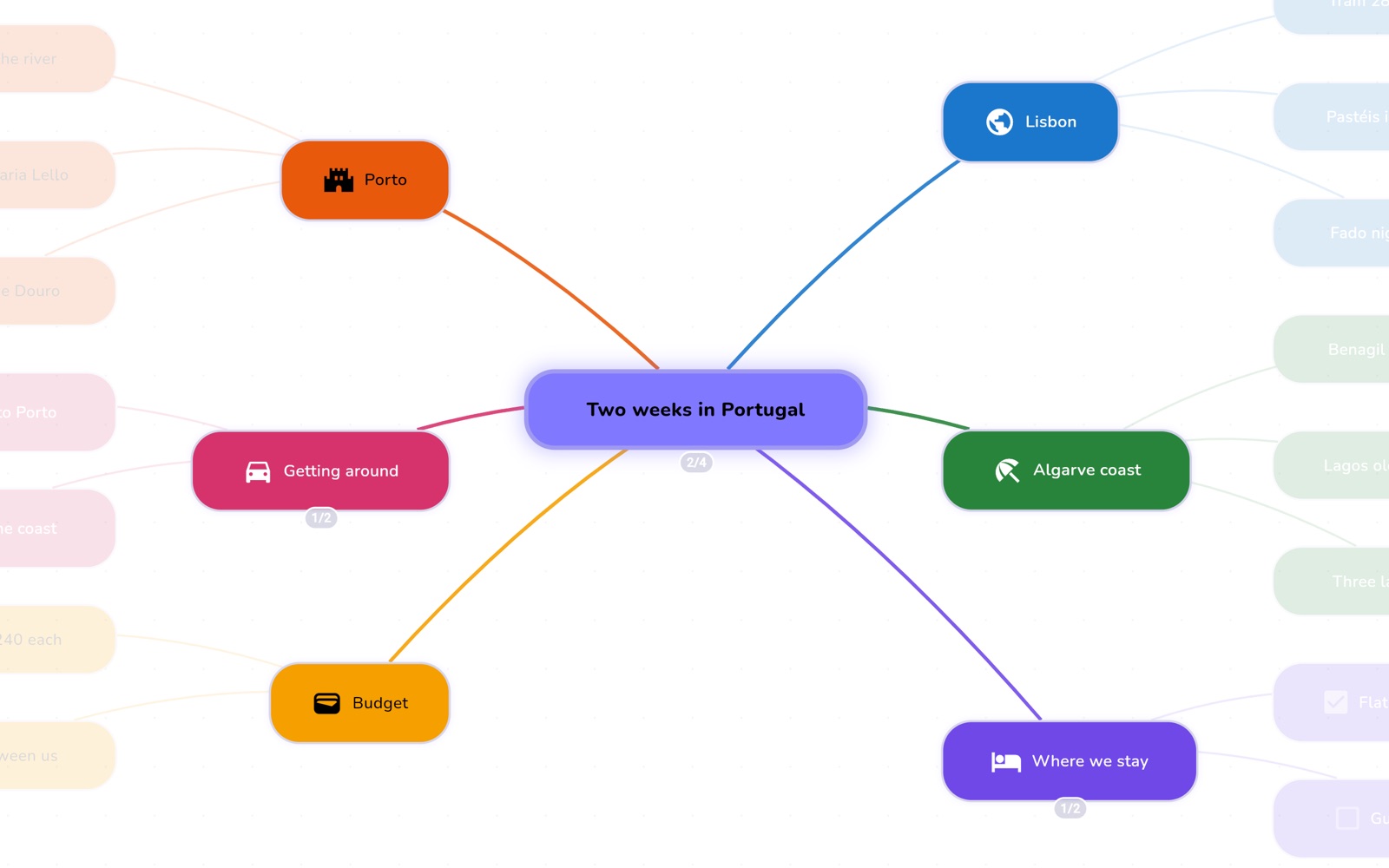
A map when you want the big picture. A list when you don't.
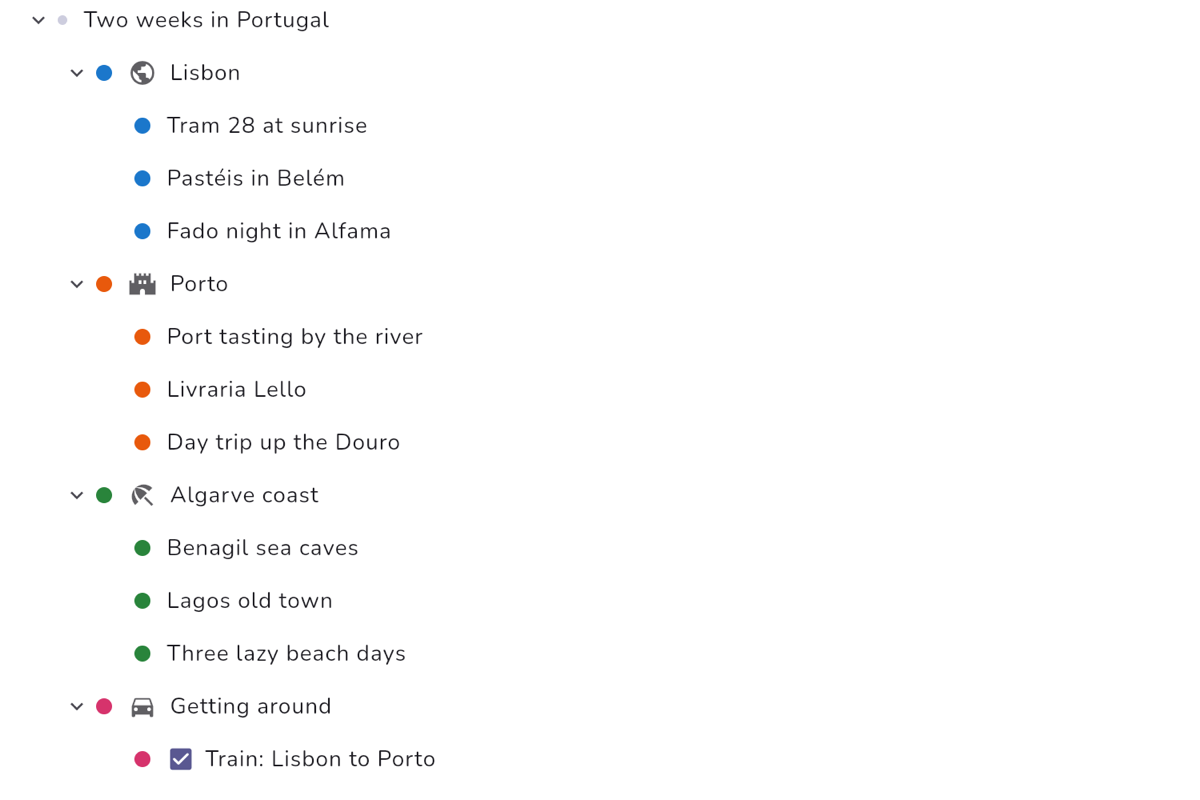
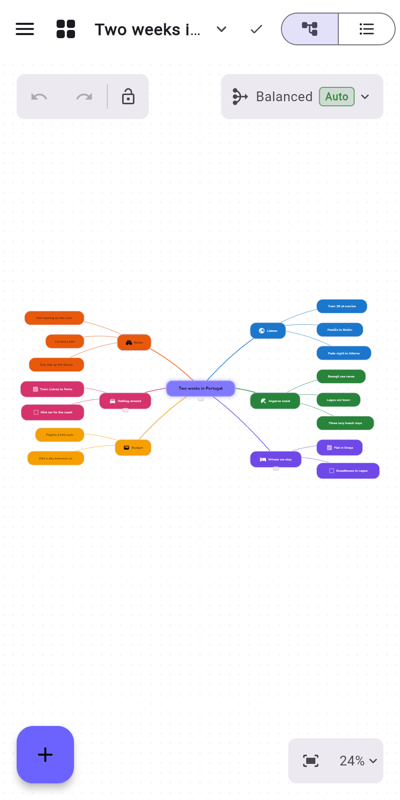
Switch to an outline at any time. It's the same content either way, so changes in one show up in the other. Use it in your browser on a computer, tablet or phone.
Make it look like yours
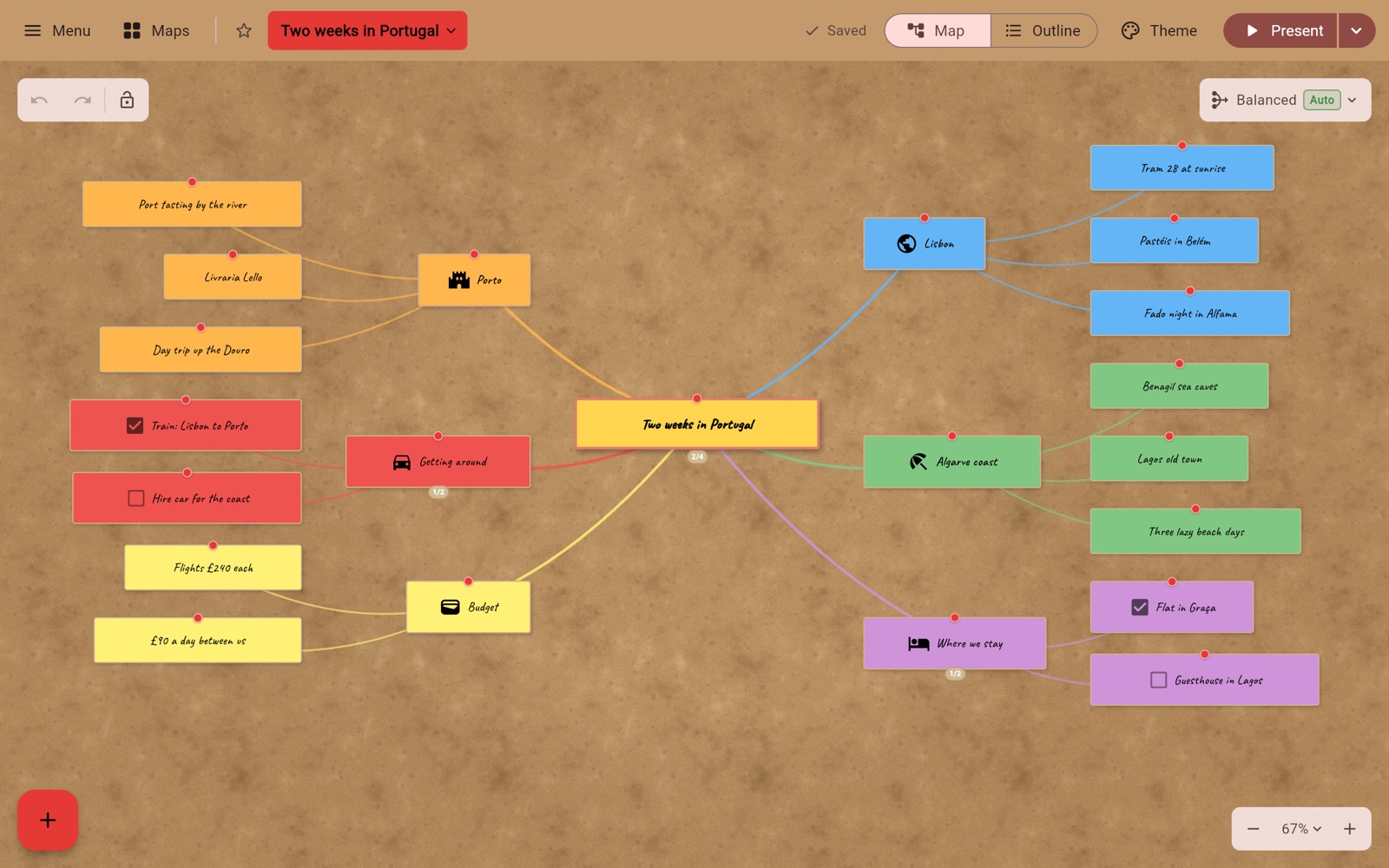
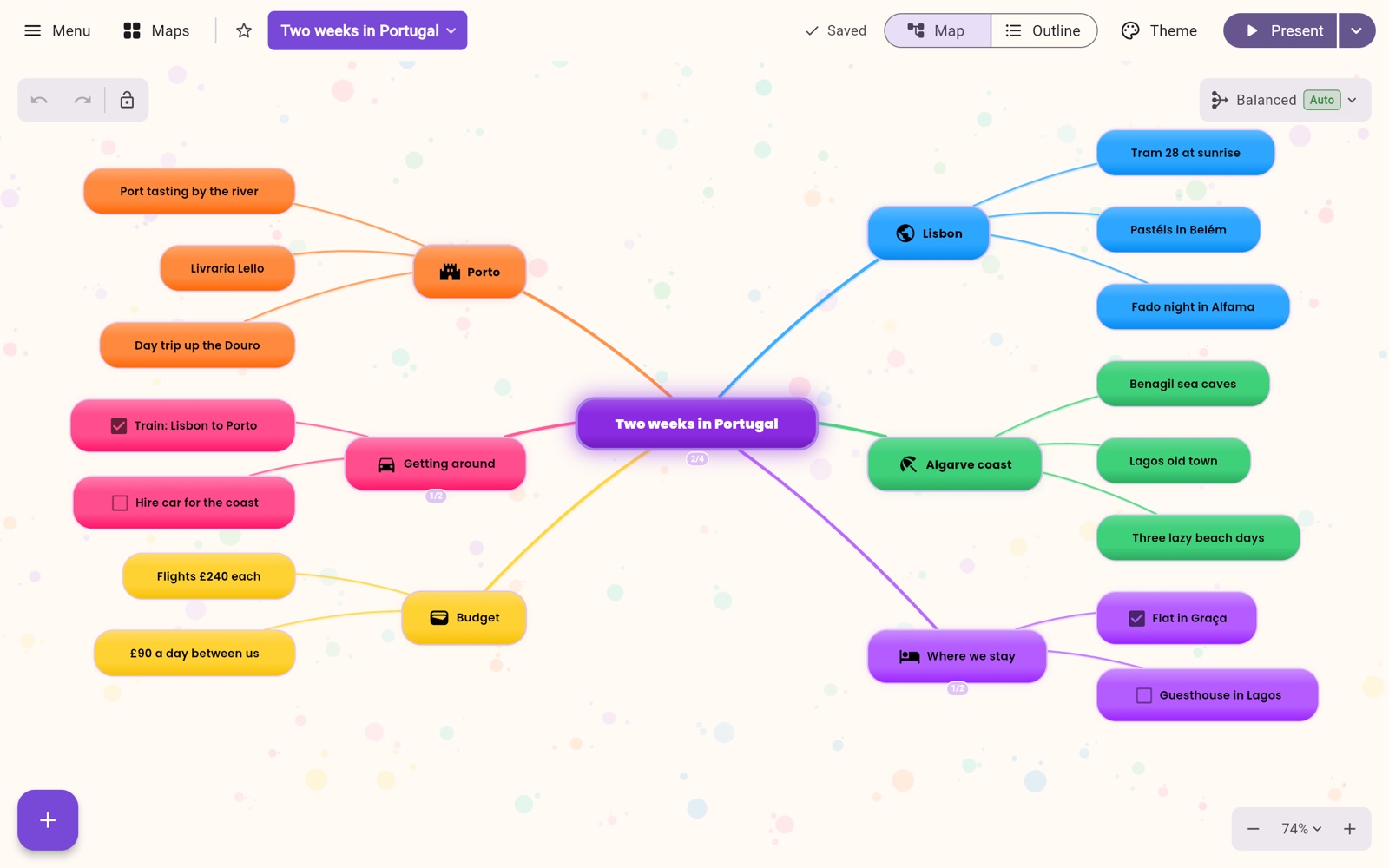
From crisp and simple to corkboard and paint splats, choose the style that suits the job. 6 themes free, all 28 with Pro.
Your ideas stay yours
Kept on your device
Your maps live on your device, so there's nothing to sign up for. We don't sell data.
No internet? No problem.
Once the app has loaded, you can keep mapping on a train or a plane, with no connection.
Sync if you want it
Add a free account to carry your maps between devices. Synced maps are stored in the EU.
The privacy policy sets out exactly what happens to your data.
And plenty more, free
Organise
- Five map shapes
- Fold away what you don't need
- Focus on one branch
- Group related ideas
- Tag ideas, then light up every one with that tag
Add detail
- Notes on any idea
- Pictures and icons
- Links to websites
- Bold, italics and colour
Keep on track
- Task tick boxes
- Lines between related ideas
- Search within a map
- Overview for big maps
Feel safe
- Saves as you work
- Undo and redo
- Earlier versions to go back to
- Recently deleted maps
Free for as long as you like
Pro is for people who want more. It isn't on sale yet.
Free
£0
No sign-up needed.
- As many maps as you like
- 6 themes and 19 guided templates
- Map and outline views
- 20 AI requests a day
- Paste in about 1,600 words for AI to work on
- Presentations of up to 10 slides
- Bring in maps from other apps
- Save as a picture or a text outline, with your notes
- Sync 100 MB of maps between 2 devices, with a free account
Pro
£3.99 a month
or £29.99 a year
- Everything in Free, plus:
- All 28 themes and all 69 guided templates
- Your favourite maps as one-click tabs
- Search the words and tags in all your maps, and go straight to them
- Sync 1 GB of maps across as many devices as you like
- Unlimited presentation slides
- A timeline layout for plans, histories and stories
- An indented tree layout that reads like an outline
- Export presentations as PDF, and maps as OPML
- Far more earlier versions of every map
- Paste in about 8,000 words for AI to work on
Questions
Do I need an account?
No. Open the app and start. You only need a free account if you want your maps to sync between devices.
Can I install it like a normal app?
Yes. It runs in your browser with nothing to download, and you can add it to your computer or phone for its own window and icon.
- Chrome or Edge: use the install icon in the address bar, or look for "Install Nervespan MindMap" in the browser's menu.
- Safari on a Mac: choose File, then "Add to Dock".
- iPhone or iPad: in Safari, tap Share, then "Add to Home Screen".
- Android: in Chrome, open the menu and choose "Install app" or "Add to Home screen".
It works on Windows, macOS, Linux, ChromeOS, Android, iOS and iPadOS.
Is there an app in the App Store or Google Play?
Not yet, but they're coming: apps for iPhone, iPad, Android, Mac and Windows. Until then, the web app works on all of them, offline too. When the apps arrive, sign in with the same account and your synced maps come with you.
Can I bring my maps from another app?
Yes, on every plan. It imports XMind (old and new formats), FreeMind, OPML and Markdown, including notes, links between ideas and multi-sheet workbooks.
What can I export?
PNG pictures, Markdown and the app's own .synapse files on every plan. Pro adds OPML and a PDF of your presentation.
Where does the AI run, and who sees what I send it?
The built-in AI is processed in Paris, France, and what you send isn't kept afterwards. The AI provider has to read your text to respond, so it isn't encrypted end to end. The privacy policy has the detail.
Can I use my own AI?
Yes, for free. Add your own API key from a provider, or run a local model with Ollama. Your requests then go straight to that provider, and our daily and word limits don't apply.
How private is sync?
Synced maps are stored in the EU and encrypted on the way there and in storage. Sync is not end-to-end encrypted, so it's technically possible for us to read synced maps. Sync is optional: without it, your maps stay on your device. The privacy policy has the detail.